1. WhoICompete With
Who I Compete With offers free and pro accounts ($10 per month). If you go with a free account, you’re limited to searching the top 10 search results pages. Pro allows you to search up to 50 top search results pages. From my experience, free is just fine.Once you log in, you simply enter your top 10 keywords and hit the Check button.
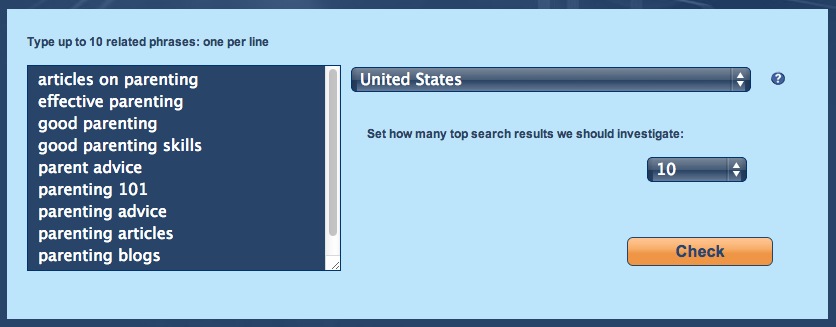
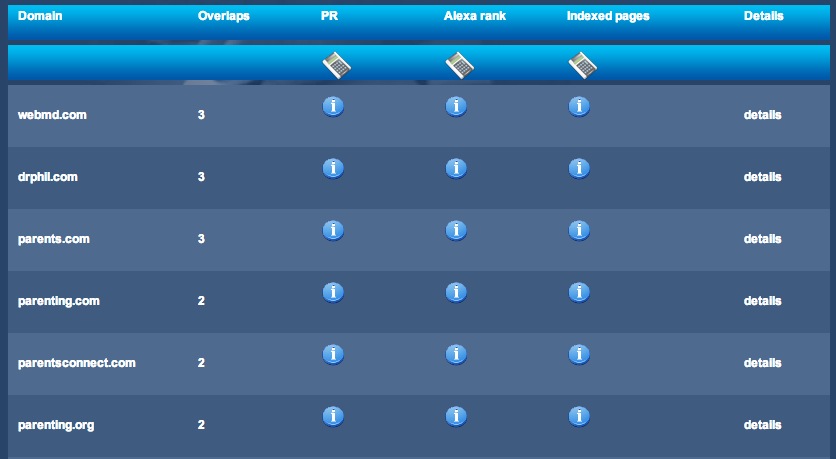
When it’s done, you’ll have a list of the top competitors for those keywords and an option to export to CSV at the bottom of the page.
2. SERP Dominator
My preferred method is to use the SERP Dominator tool from Ontolo. To use this tool, you’ll need to register an account with Ontolo, which is free. The free account is limited to one campaign but if you have a pro account, you can run this tool and save the results for several campaigns.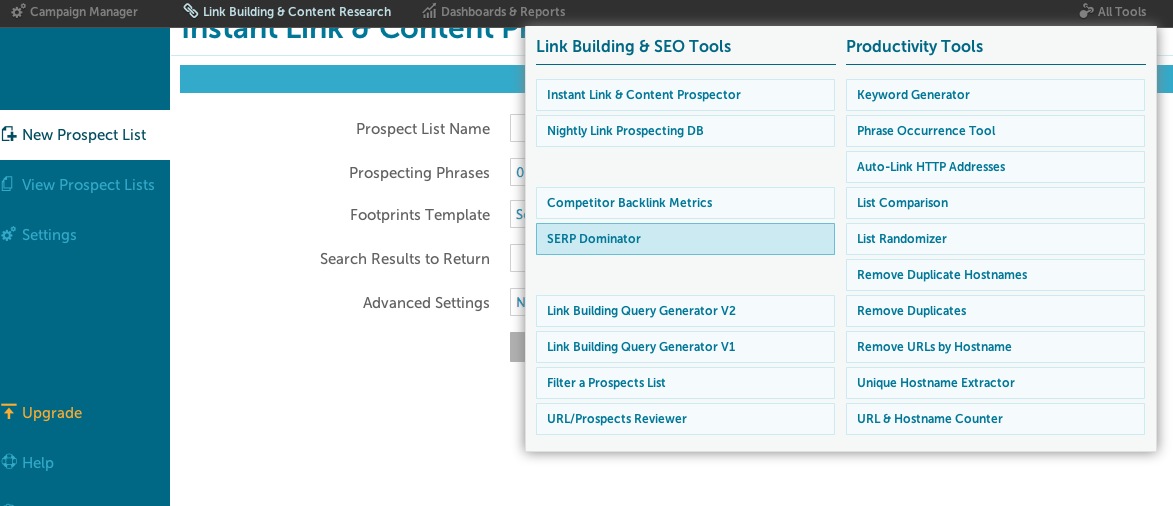
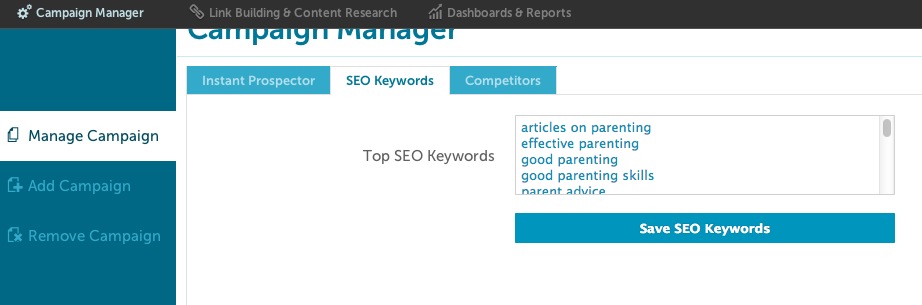
In the Campaign Manager section, you’ll need to add a list of the top keywords you want your site to rank for in the “SEO Keywords” tab. I believe you can enter up to 25 keywords.
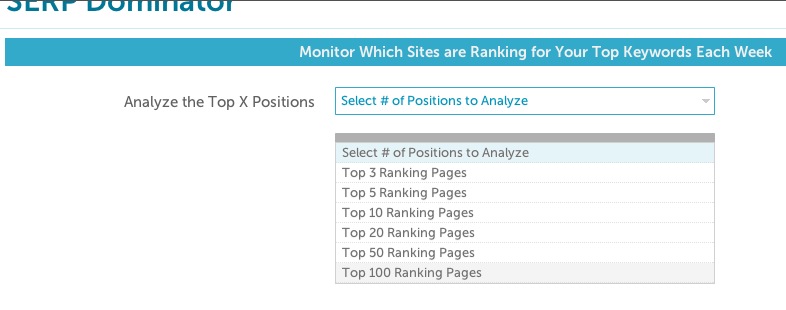
On the SERP Dominator page, you can choose how many search results pages you want to analyze. It’s up to you to decide on how in-depth you’d like to go, but I usually just set it to the top 10 ranking pages.
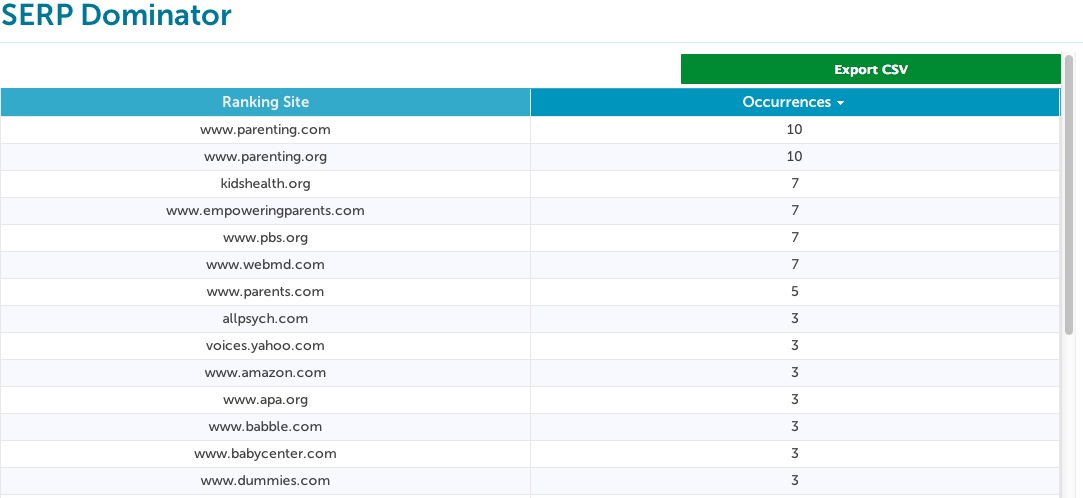
SERP Dominator returns a list of sites sorted by the amount of times they show up for your keywords in the search results. There’s an option to export to CSV too.
3. Get Links Where Your Competitors Are
Both of the options above are likely to contain a bunch of non-relevant competitors. I usually visit the top 15-20 sites and make sure they are actually competitors. I remove any sites that I know aren’t relevant such as Wikipedia, Yahoo Voices and Amazon.com.When you have a solid list of competitor sites to work from, the next step is to figure out why they are ranking so highly and how you can emulate what they are doing.
I’ll usually take a look around their site to see what they’re doing. I’ll see if they have a blog and if they’re updating it regularly. What types of content are they placing on their site? How are they communicating with customers? Do they have active social media accounts?
I’ll also look at each competitor’s link profiles using Open Site Explorer (OSE)

OSE is a tool that comes with a $99 per month paid membership with Moz.com, which is totally worth the cost. With a list of your competitors backlinks you can try to get links on the same sites they are. I would recommend sorting this list by highest Domain Authority because there are usually a lot of really low quality sites in these reports. Other really good alternatives to OSE are ahrefs ($79 per month) and MajesticSEO ($49.99 per month). If you want something free and don’t mind a bunch of ads, try Backlink Watch.
We also check all of our client’s competitor sites in the Site Finder tool from Raven Tools, which is another $99 per month service.
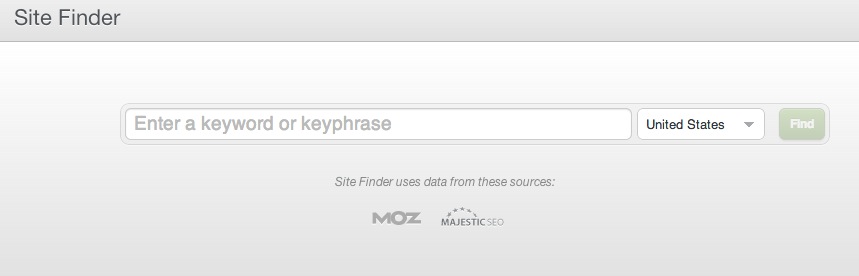
Site Finder searches for the top pages that show up based on the keyword you input and then finds the sites that are linking to two or more of those sites.
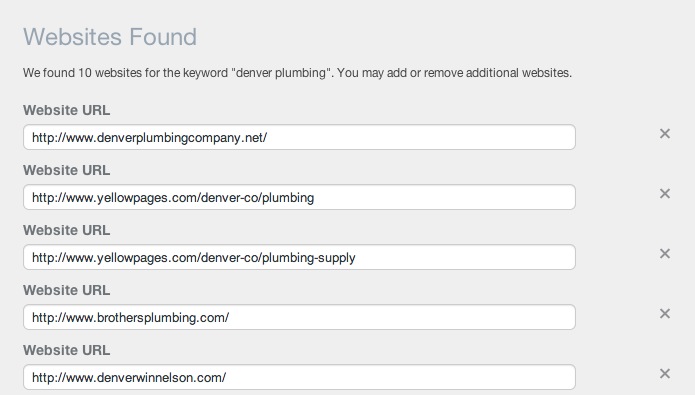
If a site is linking to two or more of your competitors, there’s a good chance you can get a link from them too. You’re entire link strategy shouldn’t be based around what your competitors are doing, but it’s a good start.
4. http://tools.seobook.com/competitive-research-tools/
5. so important
http://www.seotoolset.com/tools/free_tools.html
6. SEO Book: Page Similarity Comparison Tool
With this service you can easily compare page titles, meta information, and common phrases on your competitors homepages. I suggest including your URL in a search with your top 5 competitors. I used Coke and Pepsi as an example:


No comments:
Post a Comment